
Make room
for strength.
Everything you need to set up your STAGE™ Training Platform and begin training in its three modes.
Before your first session
Place STAGE on a stable surface, inspect your equipment, and start with movements you can control. Add resistance or suspension as your confidence grows.
Unpack & inspect
Check the platform, rubber feet and connection points. Do not train with damaged parts.
Choose your mode
Begin on the ground. Add RAWBAND™ for resistance, or connect to ring straps for suspended training.
Start low
Use a comfortable range of motion and controlled tempo. Progress only when each repetition feels stable.
Choose your ground.
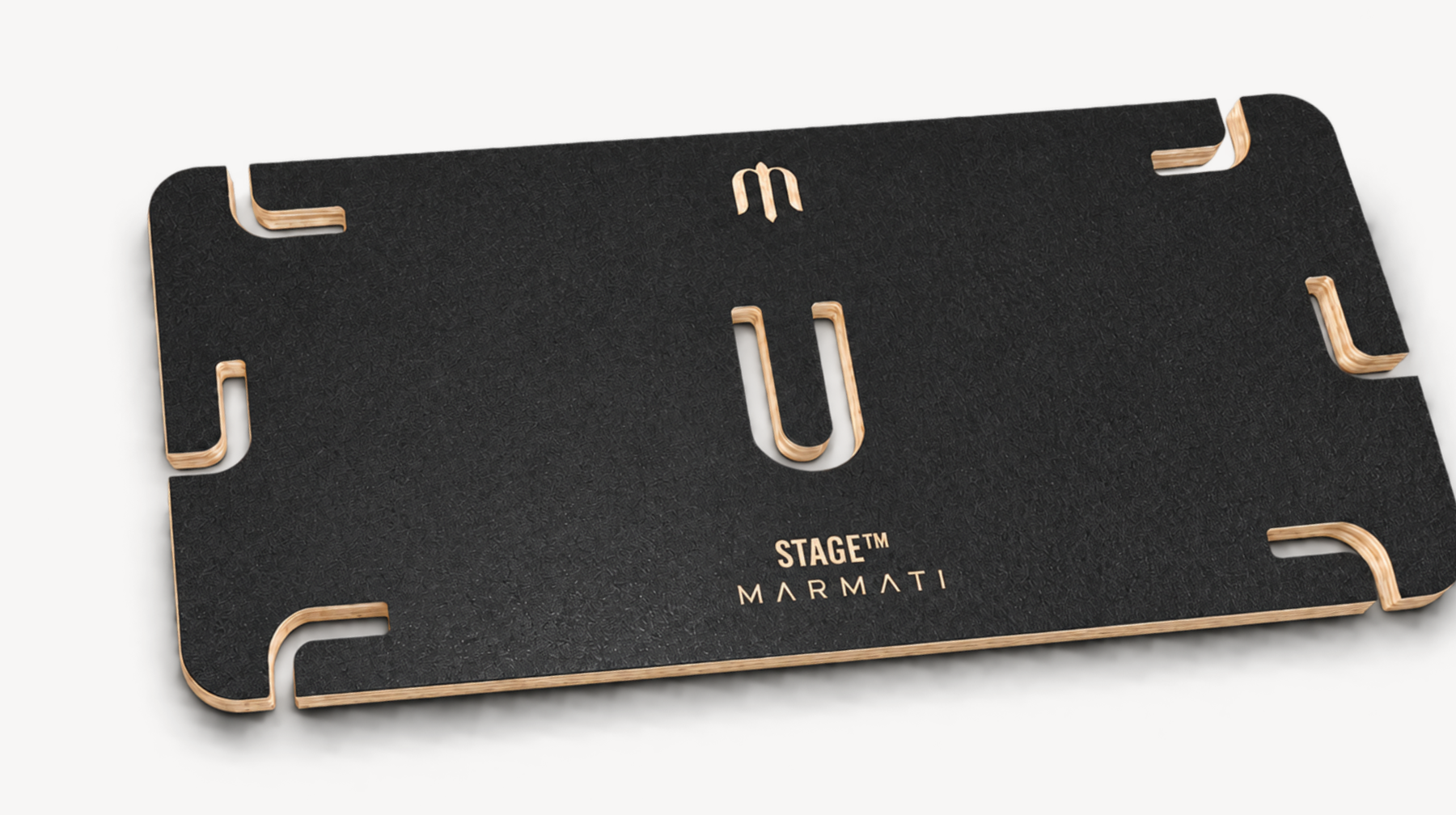
Ground
Stable baseSet STAGE on a firm, level surface with all rubber feet in contact. Use it for step-ups, split squats, calf raises and controlled mobility work.
Start here to learn the platform and your foot placement.
Resistance
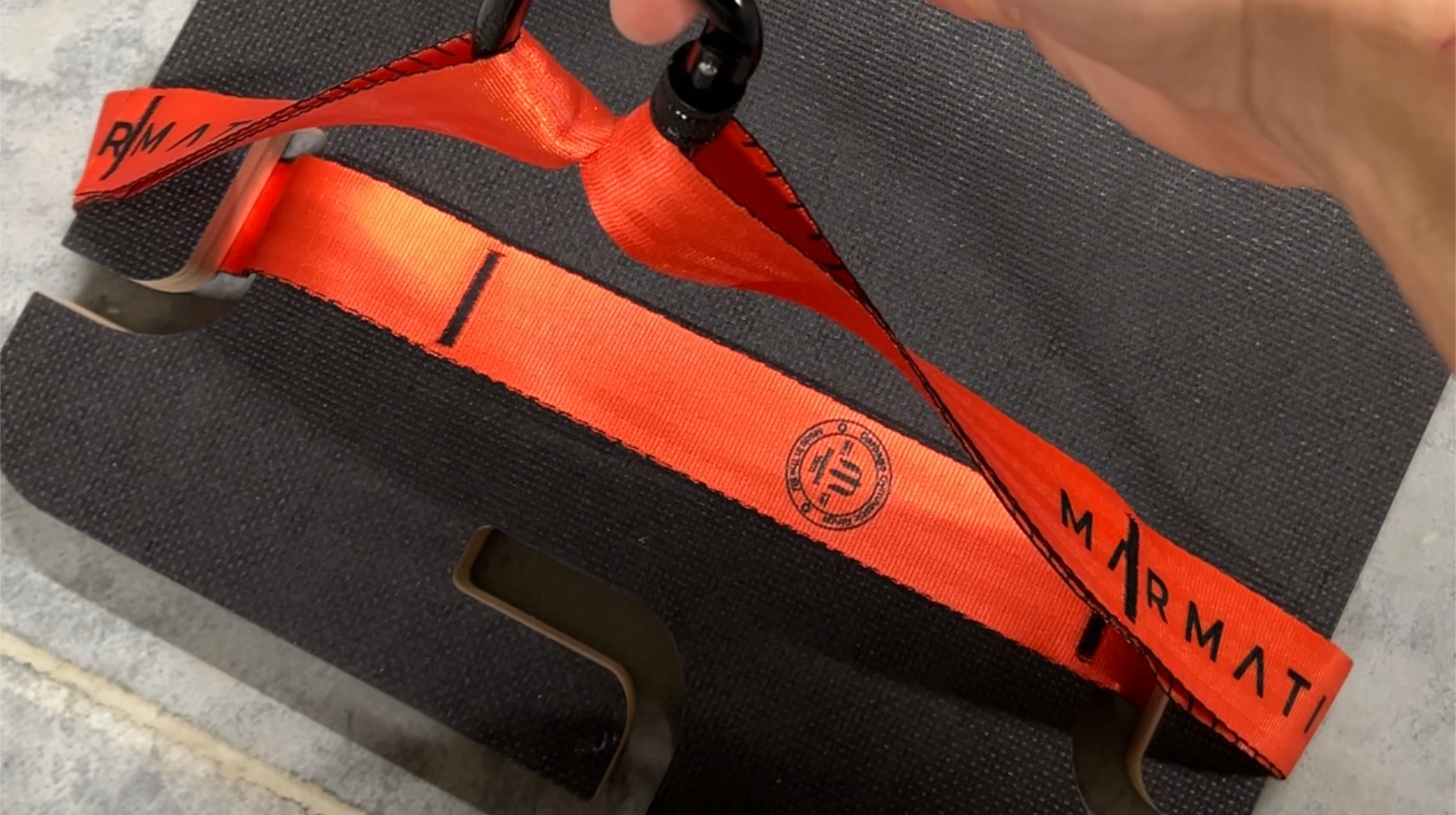
Add loadConnect compatible RAWBAND™ resistance bands to the platform’s anchor points. Check each connection before loading the band, and keep it clear of sharp edges.
Use the resistance to build strength through movements you can control.
Suspended
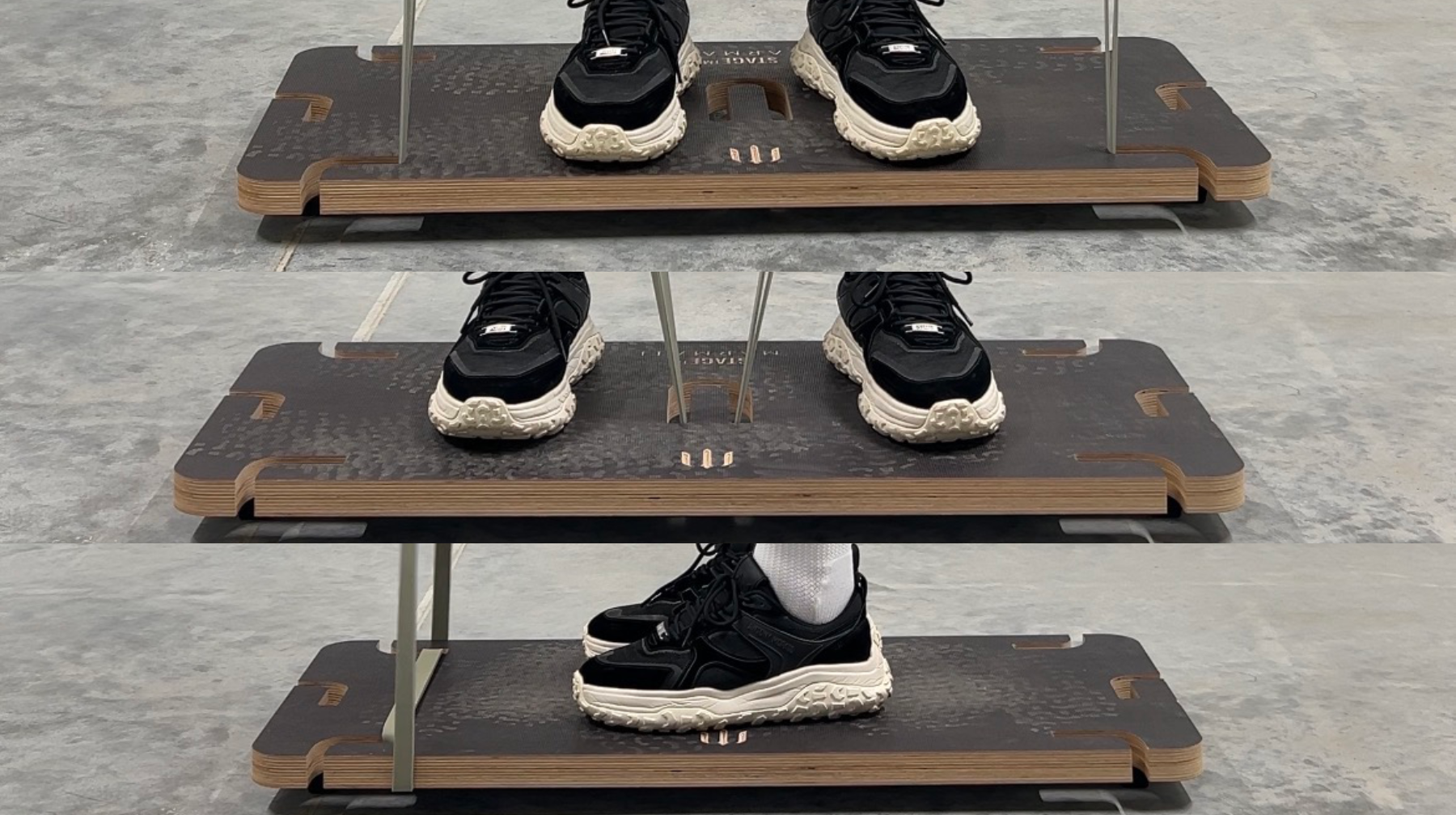
Move with controlSuspend STAGE from secure ring straps. LINK™ straps can be added for greater stability and to reduce wear on the ring straps. LINK is recommended, but it is not required.
Set the platform close to the ground for your first session. Test the full setup under light load before stepping on.
Check. Connect. Move.
Suspension changes the way the platform responds beneath your feet. Take time to set it up and build control gradually.
Check the anchor
Use a secure structure suitable for your complete setup. Inspect straps, buckles, carabiners and connection points before every session.
Match both sides
Connect both sides at the same height. Ensure all connections are fully closed and the platform hangs level.
Test before training
Start with the platform low, apply load gradually and check for slipping or unexpected movement. Keep the area around you clear.
Risk of serious injury.
A suspended STAGE™ platform moves beneath your feet. Loss of balance, slipping or failure of an anchor or connection can cause a fall and serious injury. Read this warning before using suspended mode.
- Check the entire setup before every session. Inspect the platform, straps, buckles, carabiners and anchor points. Do not use damaged, worn or insecure components.
- Use a secure anchor suitable for the complete setup and expected load. If you are unsure about the anchor or installation, do not use suspended mode until it has been checked by a qualified professional.
- Start close to the ground. Keep the platform low, connect both sides securely and test the setup gradually before stepping on.
- Keep the surrounding area clear. Allow room for the platform to move. Keep other people away from the training area.
- Move slowly and stay within your ability. Begin with simple, controlled movements. Stop immediately if you lose control, notice slipping or hear or see signs of damage.
LINK™ can improve stability and reduce wear on the main straps, but it does not remove the risks of suspended training.
Built to stay in motion.
Keep it ready
Wipe the platform clean after training and dry it before storing. Check the rubber feet and anchor points regularly. Store the platform in a dry place.
If a part shows damage or unusual wear, pause training and contact MARMATI before using it again.
Works with
- RAWBAND™ — add resistance through the platform’s anchor points.
- Garbage™ ring straps — suspend and adjust the platform height.
- LINK™ — improve suspended stability and reduce wear on ring straps.
Good to know.
Do I need LINK™ to suspend STAGE?
No. STAGE can connect directly to gymnastic ring straps. LINK™ is recommended for better stability and less wear on those straps.
Where should I begin?
Start with STAGE on a level floor. In suspended mode, set it close to the ground and choose movements that allow you to stay in control.
Can I use any resistance band?
STAGE is designed to work with RAWBAND™. Before each exercise, check that the band is securely connected and does not rub against sharp surfaces.
Training is work.
Consistency deserves rewards.
You’ve put STAGE to work. Tell us what you’ve found: the setup, the movement, the detail that works—or the one we should improve.
Train. Earn points.
Earn points for eligible training actions through MARMATI Rewards.
Feedback gets rewarded.
Leave an honest review and earn rewards. Your rating is yours; useful feedback matters.
Unlock what’s next.
Explore discounts, rewards and early releases in your MARMATI Rewards account.
Leave a review. Get rewarded.
Real feedback fuels better tools. Tell us what happened in your training, not what you think we want to hear.
See MARMATI Rewards for eligible actions and current reward conditions.
We’re here to help.
A question about your setup? Something isn’t right? Find what you need or speak with the people who make your equipment.
One year.
No registration needed.
Your STAGE™ comes with a one-year warranty from the date of purchase. Keep your order confirmation or receipt as proof of purchase.
Need help with your platform? Contact hello@marmati.com with your order number and a description of the issue.
STAGE™
Warranty certificate
A landscape A4 certificate to download and keep with your purchase record.
Download warranty certificate